Turn Pantry Photos Into a Clear Grocery Checklist
Shopping gets easier when the list is accurate and organized. A smart checklist that converts photos into a structured grocery list can reduce forgotten items, limit duplicates, and speed up weekly planning—especially when the list is formatted to match how stores are laid out.
What a photo-based grocery checklist helps with
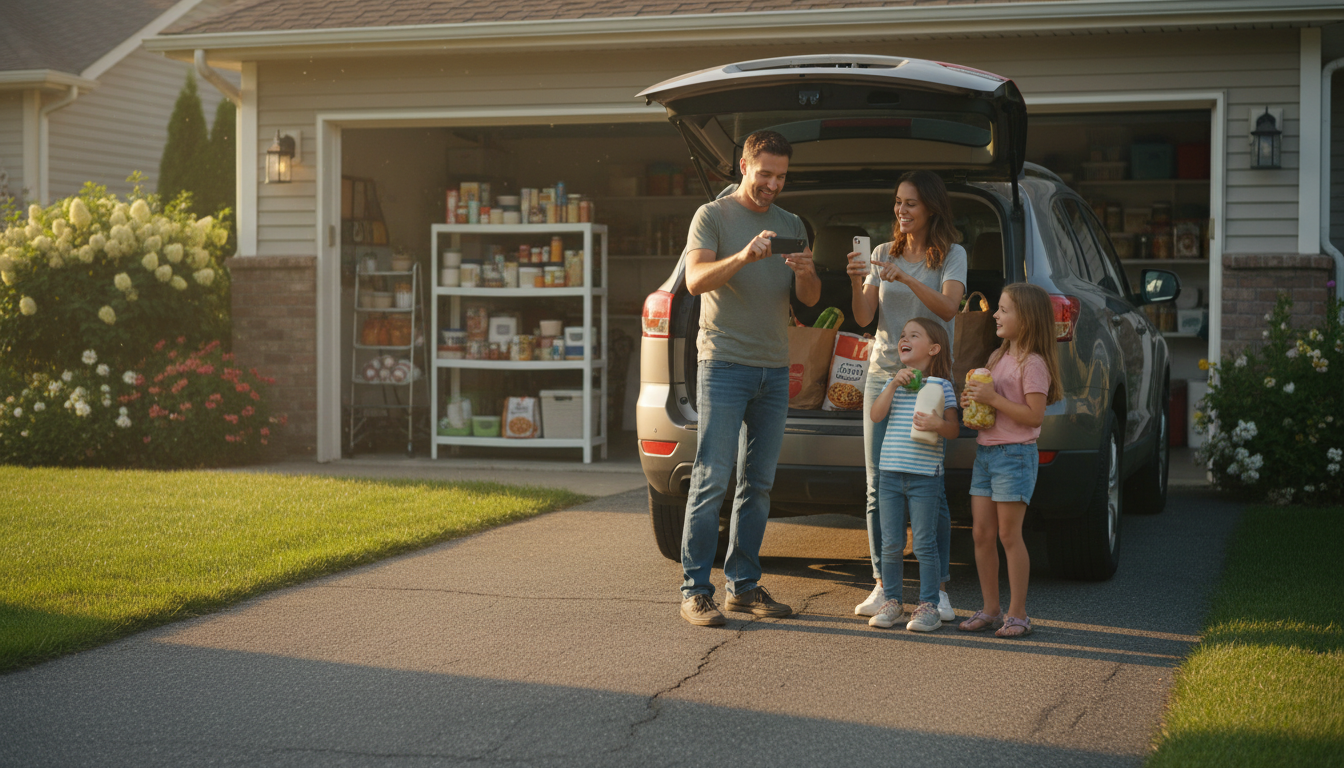
- Captures what’s running low by snapping quick photos of the fridge, pantry, or countertop staples.
- Turns visual clutter into a clean list that can be sorted by category (produce, dairy, pantry, frozen, household).
- Cuts down on duplicate purchases by comparing what’s already on shelves with what’s needed.
- Supports different shopping styles: one big weekly trip, smaller top-up runs, or delivery orders.
- Creates a repeatable routine: scan → confirm → shop → restock.
The big win is consistency. When the same items appear in the same checklist categories every week, decision-making shrinks to a quick confirm-and-edit instead of a full brainstorm in the store aisle.
How the photo-to-list workflow typically works
- Step 1: Take clear photos in good light (open fridge doors, pull items forward, avoid motion blur).
- Step 2: Upload images to generate a draft list; expect occasional corrections for brands, quantities, and similar-looking items.
- Step 3: Confirm quantities using simple rules (e.g., “if less than 25%, add to list”) to keep decisions consistent week to week.
- Step 4: Group the final list by store sections to reduce backtracking in aisles.
- Step 5: Save a reusable template for recurring staples (milk, eggs, coffee, rice, pet supplies).
Quick photo tips and what they improve
| Photo tip |
What improves |
Common mistake to avoid |
| Shoot one shelf at a time |
Higher item recognition and fewer misses |
Wide shots where labels are tiny |
| Use overhead light or flash |
Clearer text and packaging edges |
Dark corners in pantry cabinets |
| Keep cans/boxes facing forward |
Easier differentiation (tomato paste vs. sauce) |
Sideways labels or stacked items |
| Include open containers |
Better “running low” detection |
Only photographing unopened backups |
| Retake blurry photos |
Cleaner list with fewer odd items |
Assuming the draft will be perfect |
What’s included in the AI Grocery List Checklist digital download
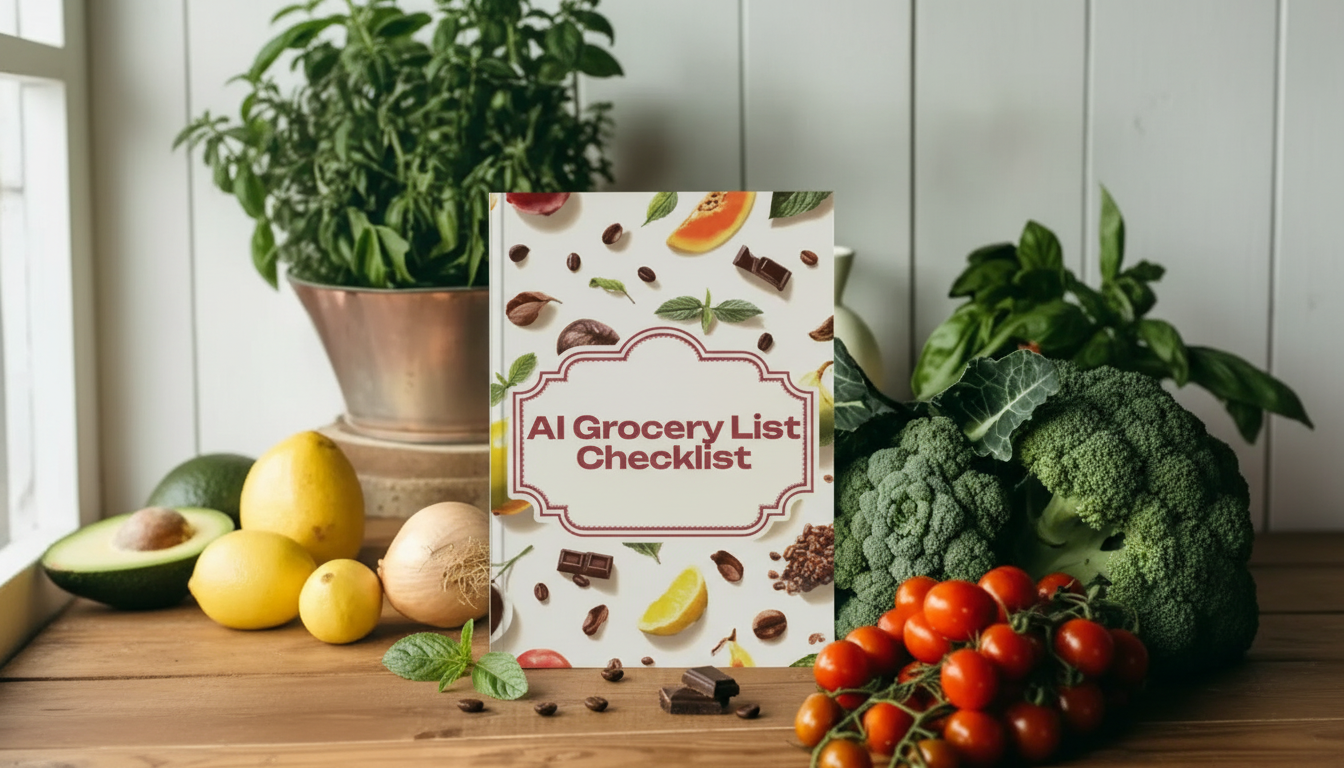
If you like the speed of photo-to-list but want the final list to be clean, editable, and store-friendly, a structured template makes the difference between “a draft” and “a plan.” The AI Grocery List Checklist digital download is designed for quick review after a photo-based draft is generated.
- A structured checklist format designed for quick edits after generating a draft list from photos.
- Common grocery categories to keep the list tidy and easy to scan while shopping.
- Space for quantities, preferred brands, size notes, and substitutions (useful for delivery/pickup).
- A repeatable layout that can be reused weekly without rebuilding from scratch.
- A simple system for pantry/freezer/fridge checks so nothing is missed.
Instead of rewriting “milk” every week, you can reserve space for the staples you always track, then only add the week-specific items your photos reveal (like “pasta sauce—low” or “dish soap—almost out”).
Set up a weekly routine that stays accurate
- Choose a consistent “scan day” (often 24–48 hours before shopping) to avoid last-minute scrambling.
- Run a fast three-zone check: fridge (fresh), pantry (staples), freezer (backups and proteins).
- Add one “household” sweep: paper goods, cleaning items, toiletries—these are easy to forget.
- Keep a short “always buy” list separate from the photo-based list to prevent repeats and reduce noise.
- Do a 60-second review before checkout: remove duplicates, confirm quantities, and check for missing essentials.
For the “always buy” list, focus on items that don’t show up well in photos or disappear quickly: trash bags, dishwasher tabs, coffee filters, lunch snacks, and pet supplies. The photo scan can still catch surprises, but you won’t rely on it for everything.
Make the list work for delivery, pickup, or in-store shopping
- For delivery: add substitution notes (e.g., “any brand,” “no peanut oil,” “2% if skim is out”) to prevent wrong replacements.
- For pickup: prioritize exact sizes and pack counts to match store listings and avoid partial fulfillment.
- For in-store: sort by aisle order (produce → bakery → dairy → pantry → frozen → household) for a faster trip.
- For budget control: mark “must-have” vs. “nice-to-have” and set a simple spending cap per category.
- For special diets: maintain a short list of safe swaps (gluten-free pasta brand, dairy-free yogurt preference).
Common issues and quick fixes
Food storage habits can also reduce “mystery waste” that forces extra midweek runs. For straightforward guidance on keeping food fresh (and knowing when it’s time to toss it), use resources like the USDA FoodKeeper App and the CDC food safety basics.
Pair it with a cooking workflow for smoother meal planning
Once your list is organized, cooking becomes easier when the plan is equally structured. Pairing the checklist with the AI-Powered Step-by-Step Cooking Guide digital download helps turn what you bought into a clear, followable flow—especially on nights when you want fewer decisions and fewer dirty dishes.
FAQ
Do the photos need to be perfect for the list to be useful?
No. Good lighting and shelf-by-shelf photos improve accuracy, but the real value comes from generating a fast draft and then doing a quick human review to confirm brands and quantities before shopping.
Can the checklist handle household items and not just food?
Yes. Add categories for cleaning supplies, paper goods, toiletries, pet supplies, and other essentials, and do a quick household sweep during your scan so those items don’t get missed.
How often should the pantry and freezer be photographed?
Weekly photos work best for high-turnover areas, while a deeper pantry/freezer audit every 2–4 weeks is usually enough. A dedicated backup shelf photographed separately makes it faster to confirm what’s already stocked.
Recommended for you









Leave a comment